

Everything You Need. One Platform.
We didn't build another legacy DLP tool. We built the platform that security teams actually need — purpose-built for the AI era, designed for real-world threats, and engineered to deploy in hours, not months.
FEATURES
Comprehensive features of DLP Secure
Everything you need to control data movement, reduce risks, and stay compliant — all in one place.

USB Ports
Prevent data theft by blocking access to the USB ports with per-device and per-user policies.

Bluetooth
Block unauthorized external device access via Bluetooth to prevent covert data transfers.

Printer
Monitor the print jobs for sensitive data leak with restricted access to authorized users.

Remote Desktop
Restrict the unauthorized remote desktop access and control file transfer capabilities.
Screen Capture
Prevent sensitive data loss by restricting print screen and screenshot functionality.

Clipboard
Control copy/paste action with limited access to prevent data extraction via clipboard.
REAL-TIME MONITORING
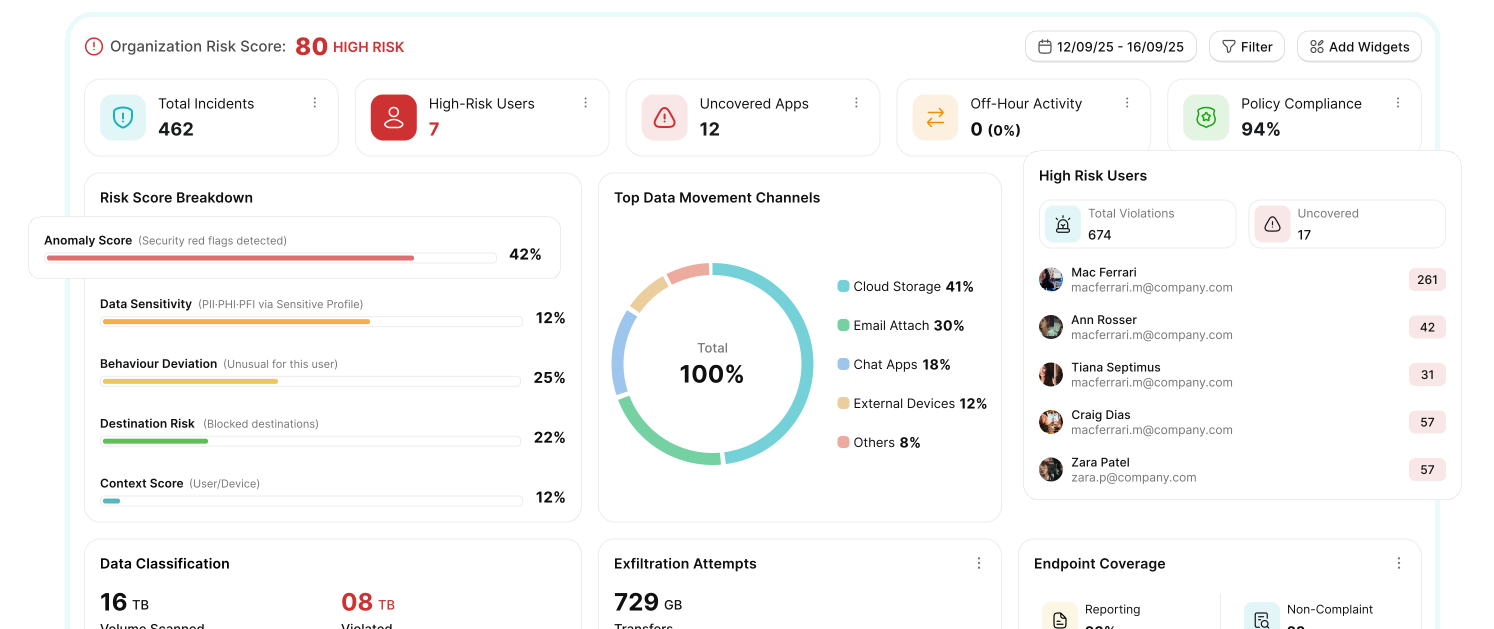
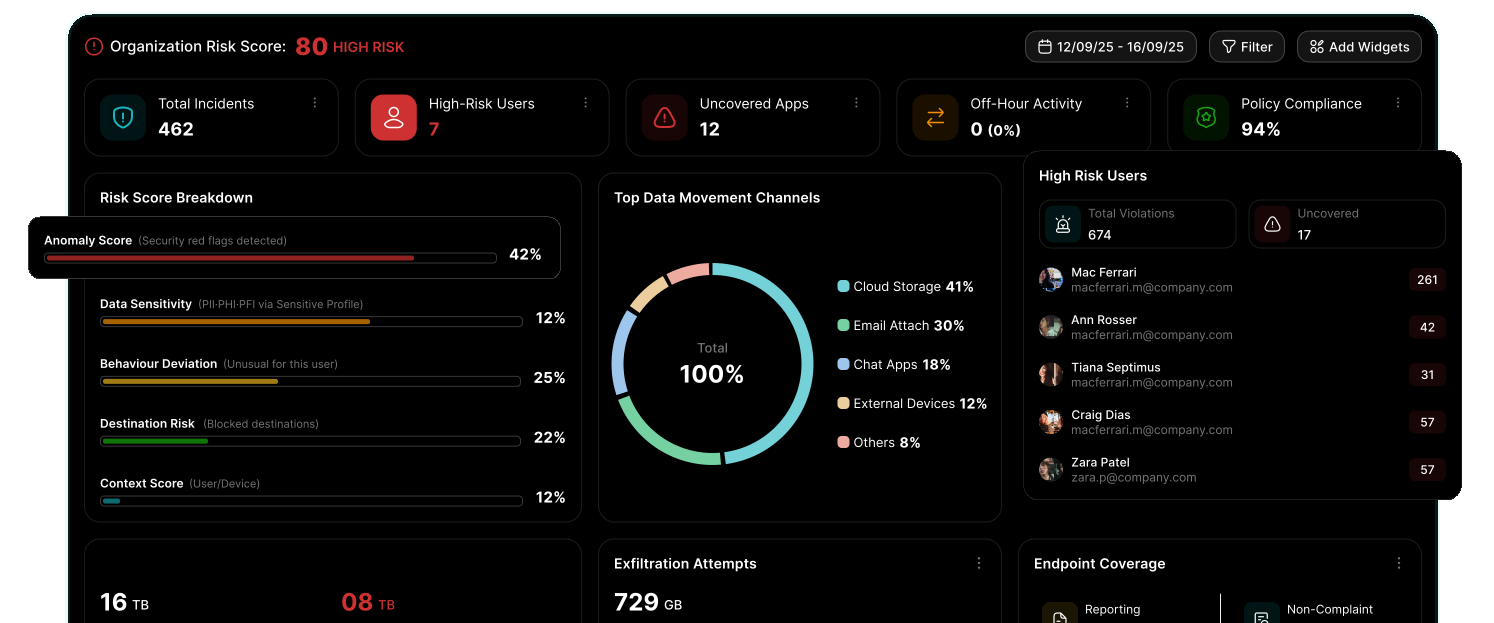
Real-Time Visibility & Analytics
Track user activity, detect risks, and gain actionable insights instantly.
Log Summary
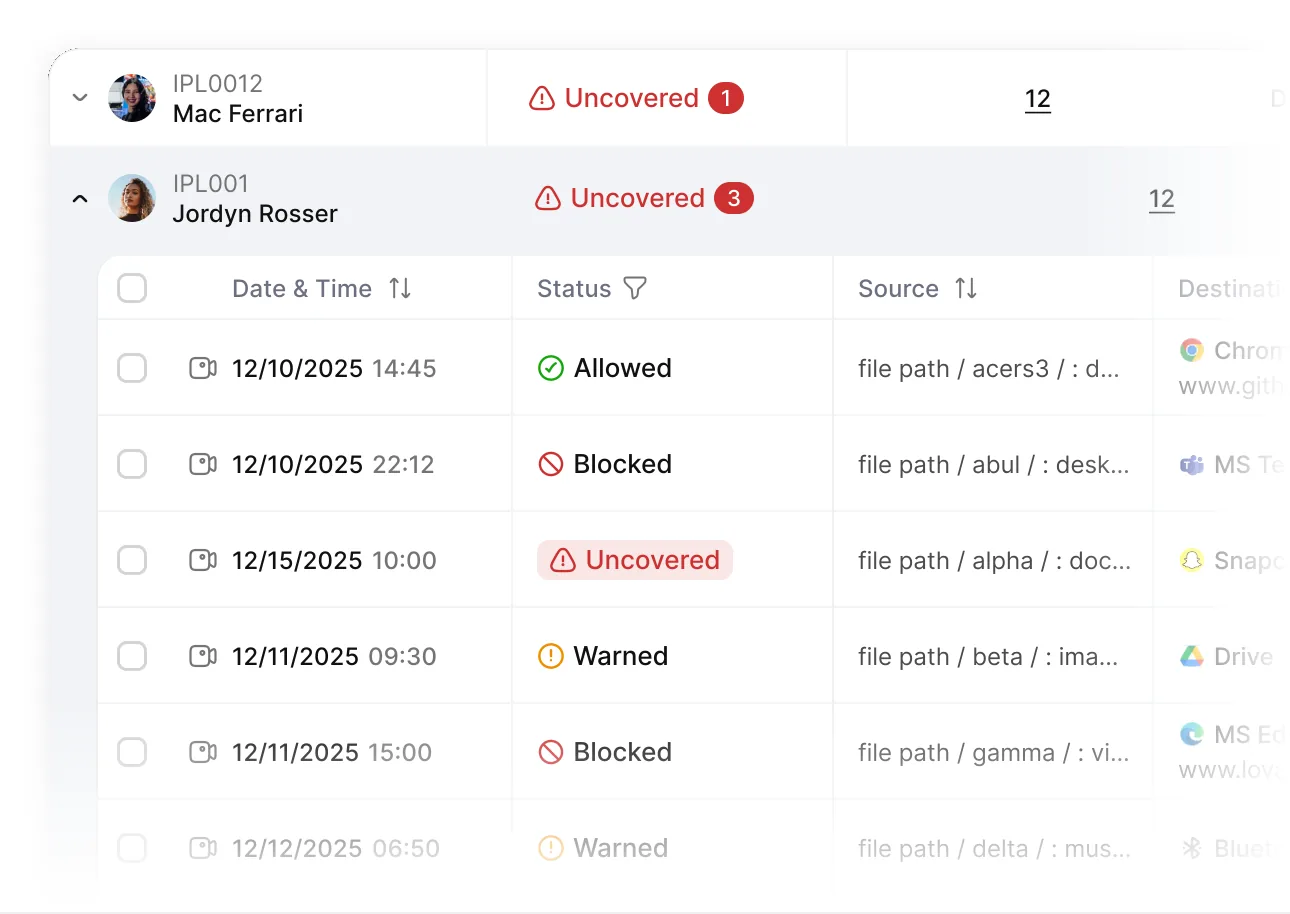
View structured activity logs with clear insights on user actions, file access, and policy violations — without noise.
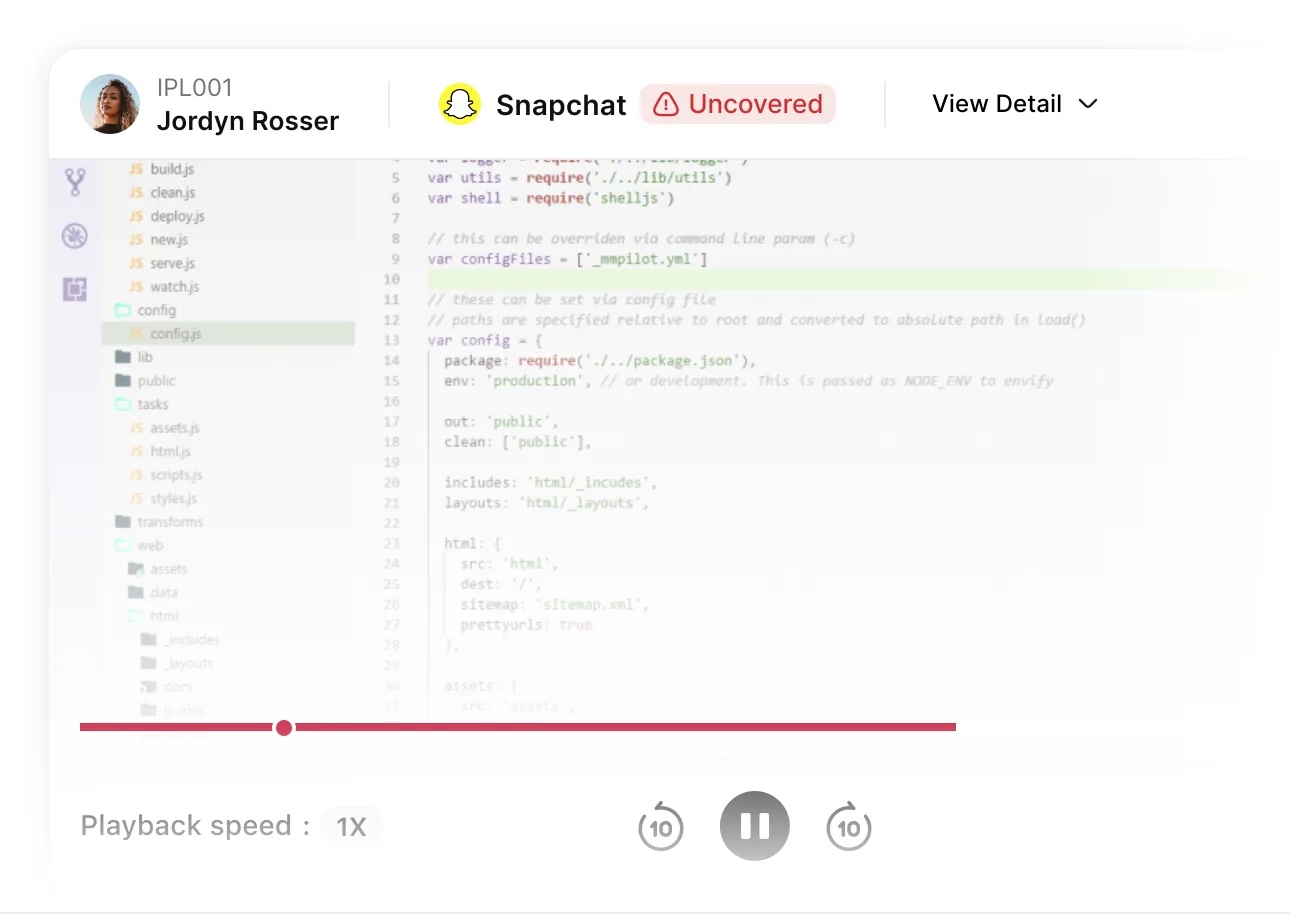
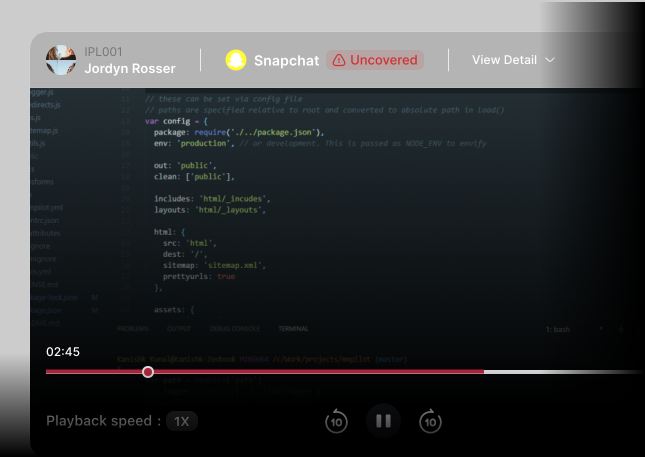
Violation Snapshot Video
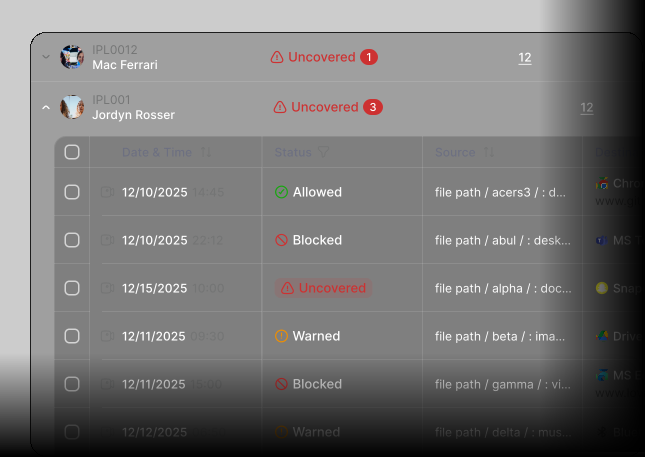
Capture visual evidence of incidents with session recordings to understand exactly what happened and when.
FASTER DETECTION. SMARTER RESPONSE.
Investigation & Incident Response
Quickly detect threats, investigate incidents, and take action with full context.
Investigation List
 Track user activity across endpoints and cloud apps
- Identify suspicious behavior patterns instantly
- Get a complete timeline of every incident
- Reduce investigation time with clear insights

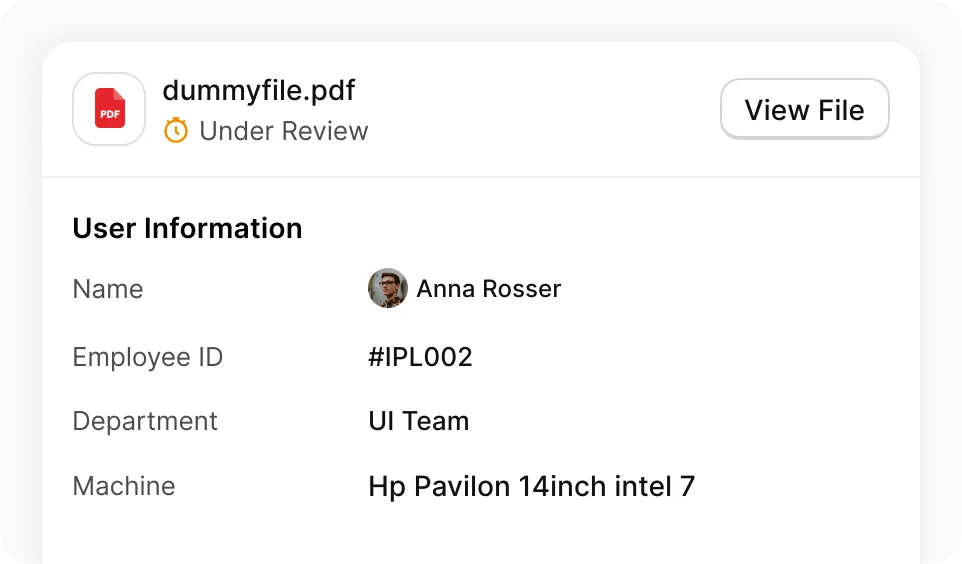
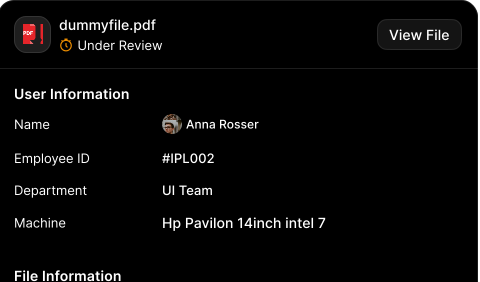
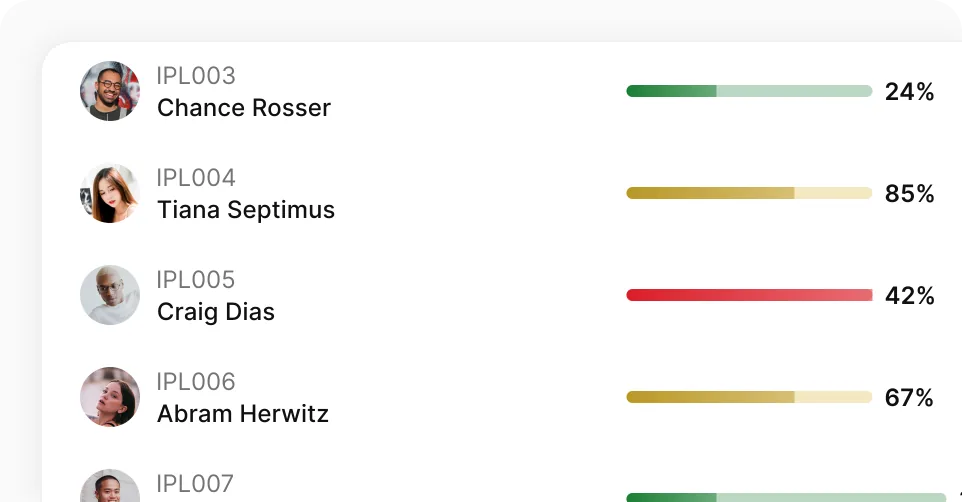
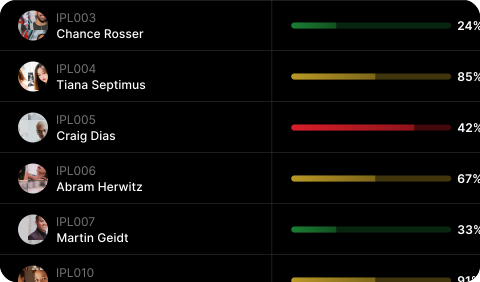
User Risk Scoring
- Detect high-risk users automatically
- Score users based on behavior patterns
- Prioritize critical threats faster
- Take proactive action before data loss
ADVANCED CONTROLS
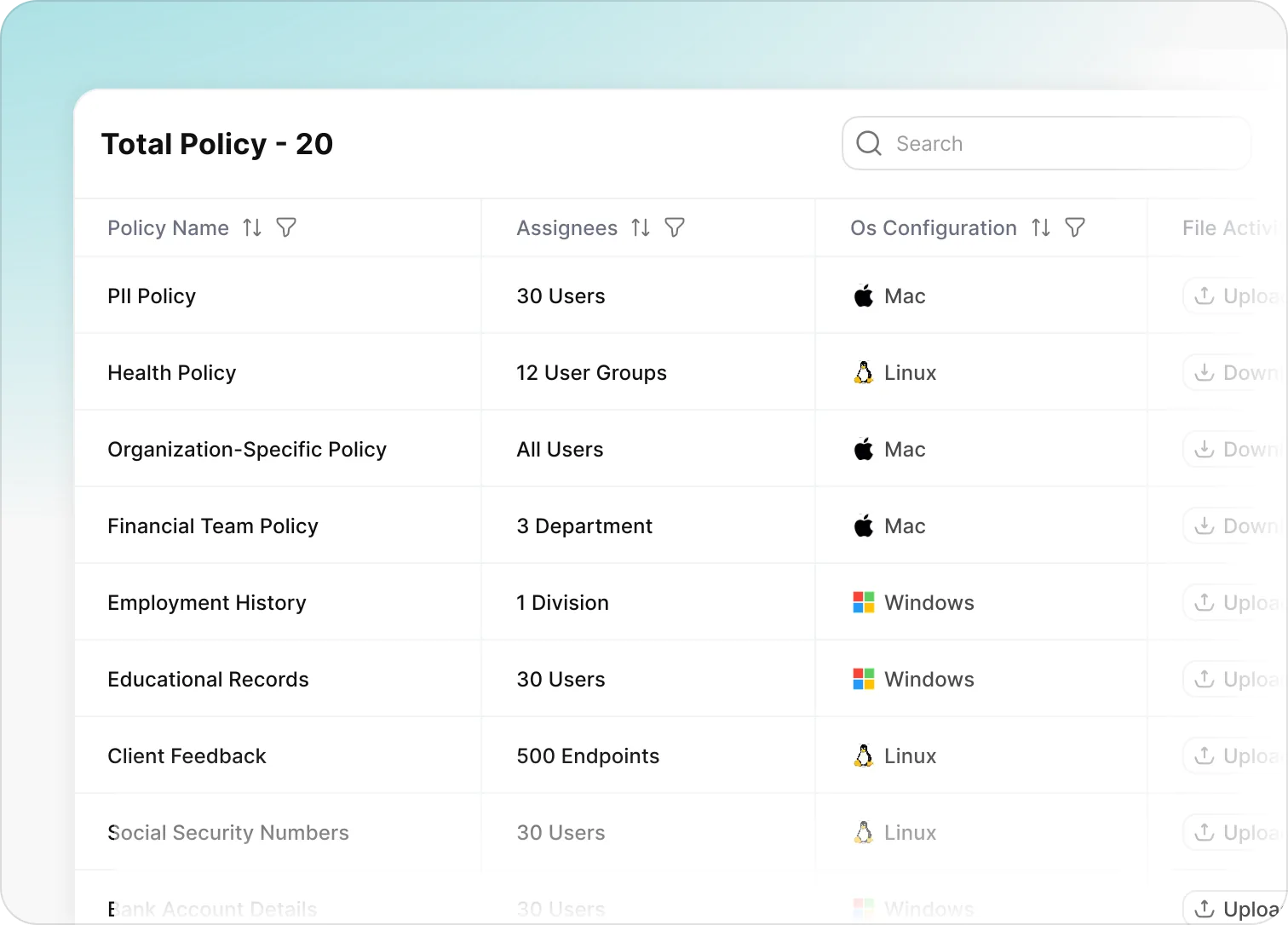
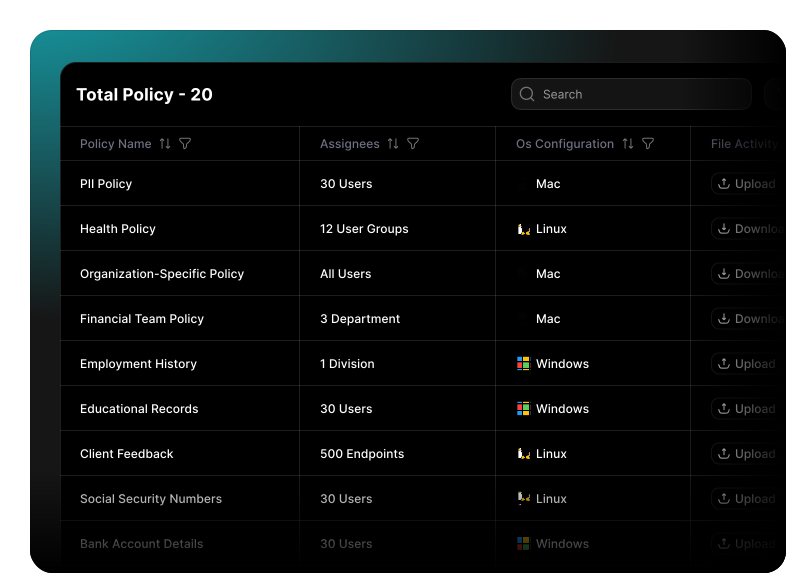
Policy Management
For healthcare organizations, Nightfall secures sensitive information: patient records, PHI, and clinical data across email, SaaS, AI apps, endpoints while maintaining HIPAA compliance.
- Create and manage multiple policies easily
- Apply policies across endpoints, apps, and cloud
- Group policies by teams, roles, or departments
- Monitor policy activity in real time
FULL SYSTEM CONTROL
Endpoint & Access Management
Manage devices, users, and access points from a single unified dashboard.
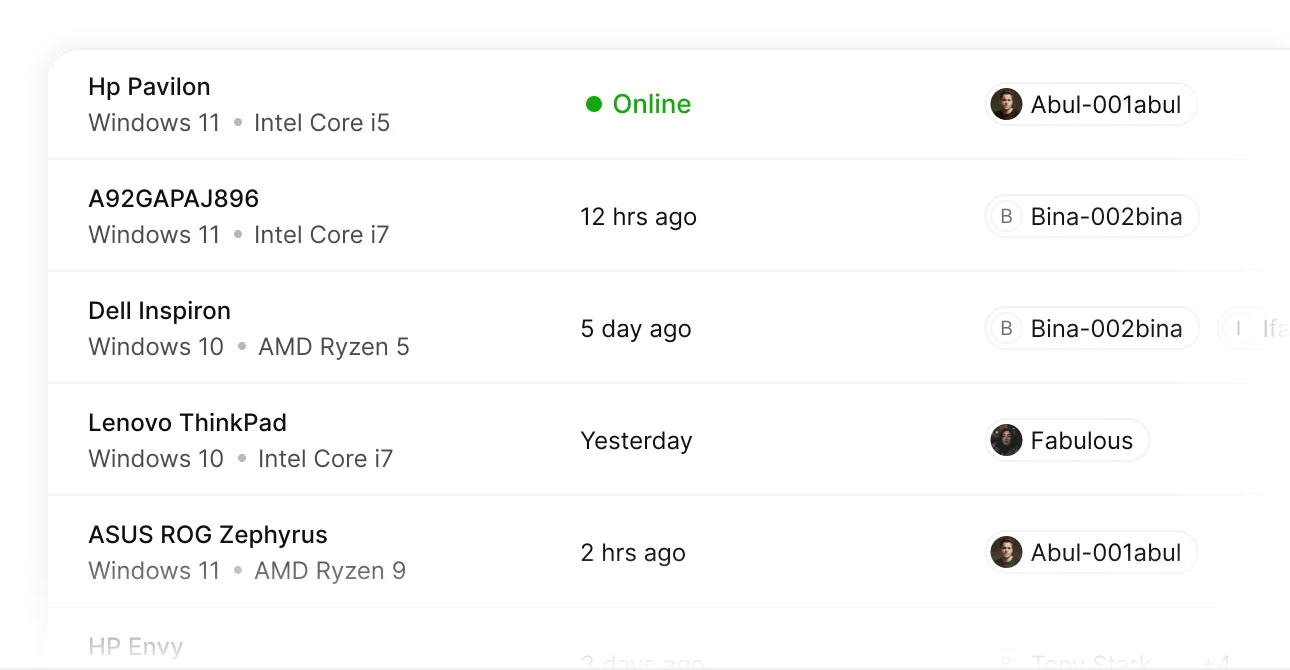
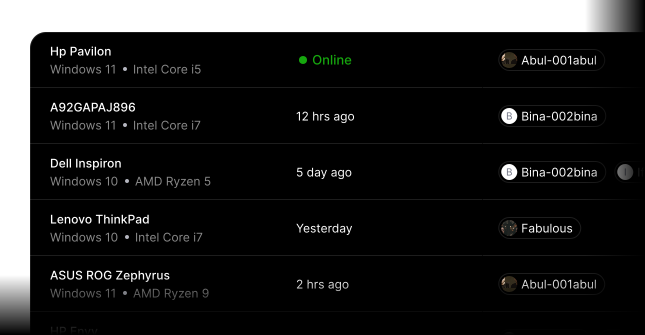
Endpoints
Monitor and manage all connected devices with real-time status and control.
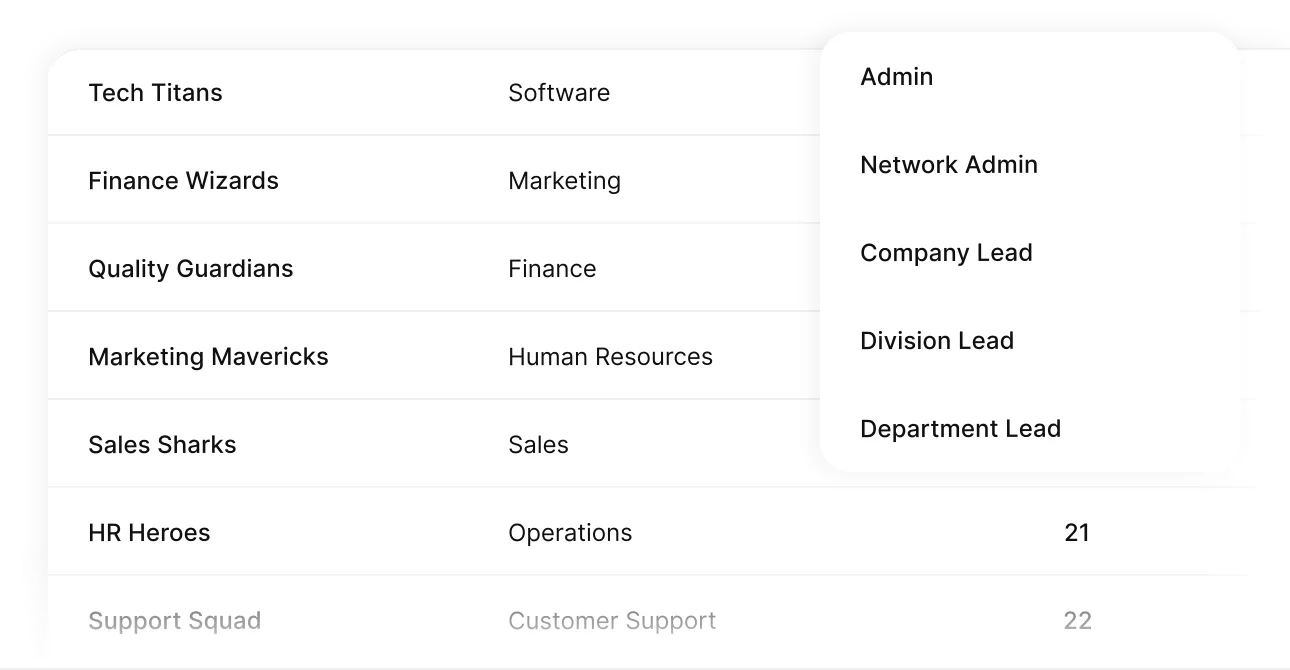
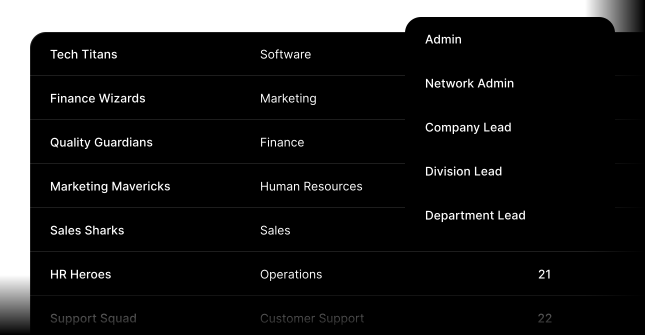
User Roles & Groups
Organize users by roles, teams, or departments with defined access levels.
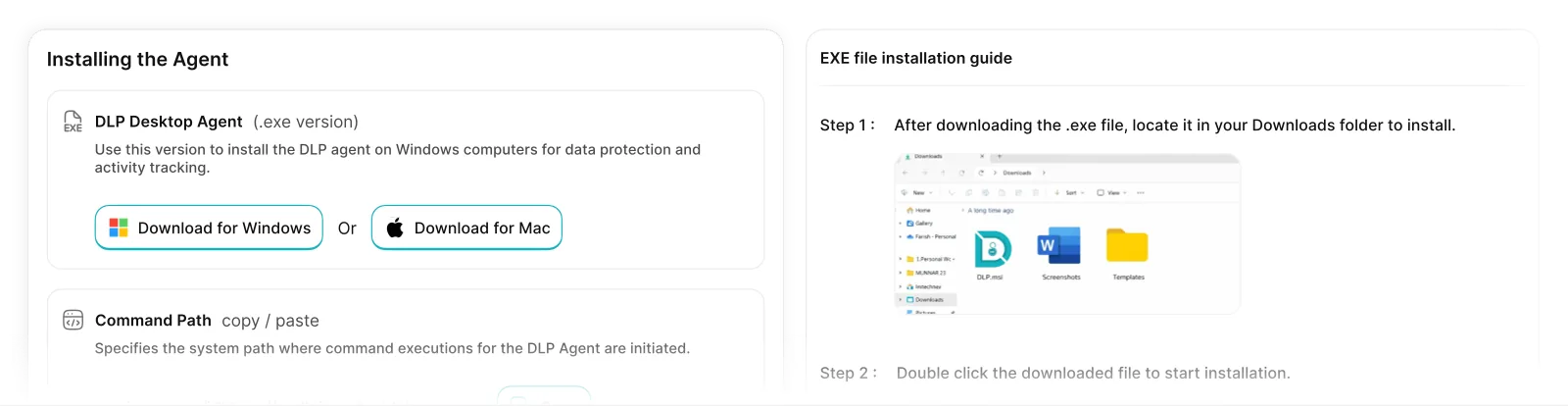
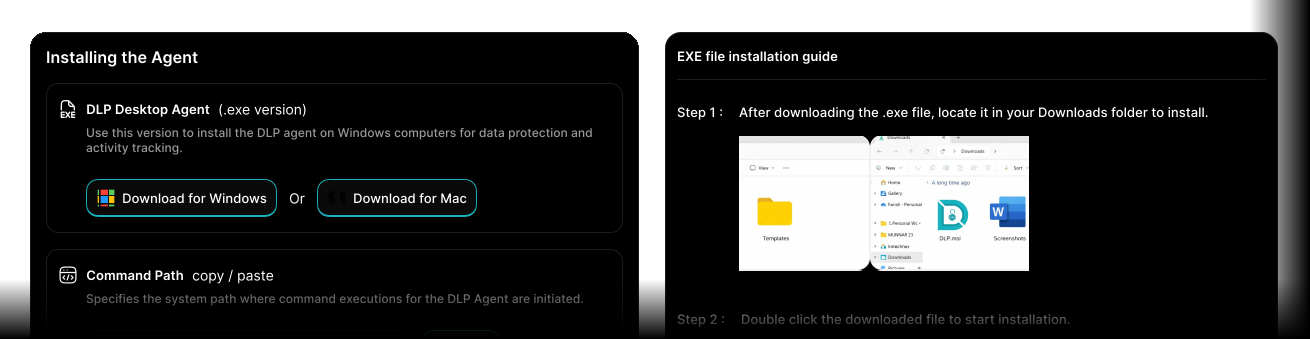
Agent Deployment
Install and manage endpoint agents with quick setup and remote deployment.
Still struggling to make a decision ?
See exactly how Defensely maps to your HIPAA obligations — in a live walkthrough built around your environment, not a generic demo.
OVERRIDE
Override DLP policies with context
Defence allows secure file upload override with business justification, enabling users to continue work with admin retain fully policy control and visibility
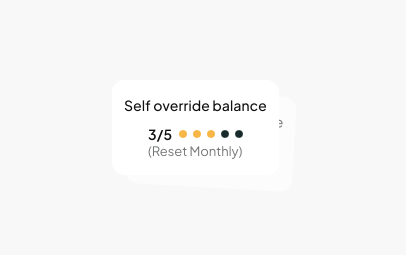
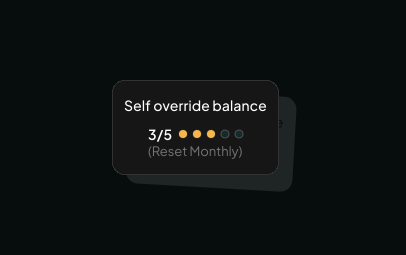
Override Limits & Renewal
Set limits on how often users can override policies. Automatically reset or renew based on time, role, or risk level.
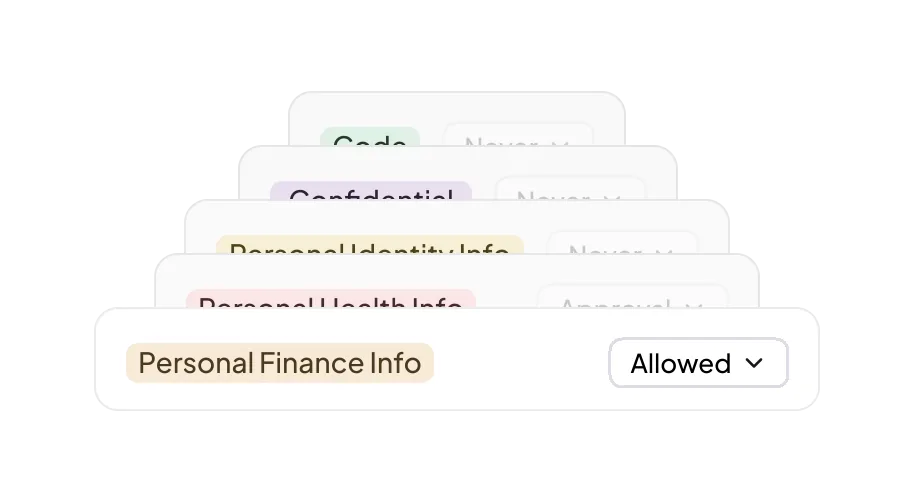
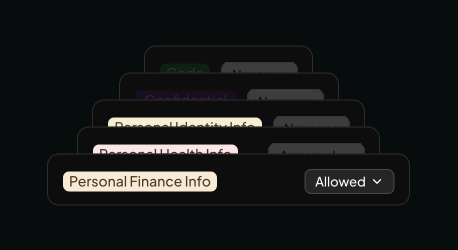
Override scope control
Define exactly which data types and file classifications can be overridden — ensuring sensitive categories stay fully protected.
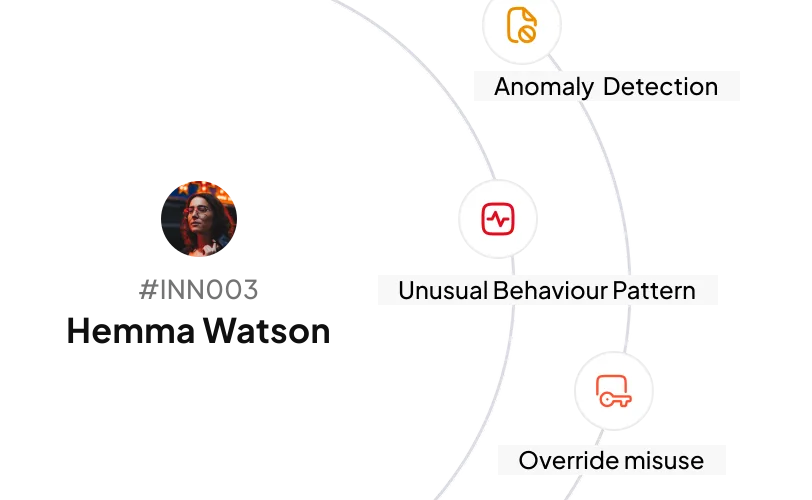
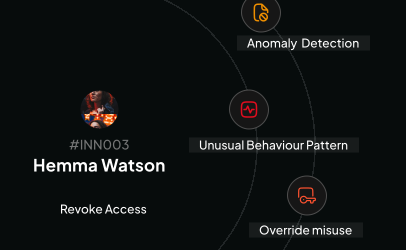
Abnormal Behavior Control
Dynamically restrict overrides when risky or unusual behavior is detected across endpoints, apps, or data transfers.
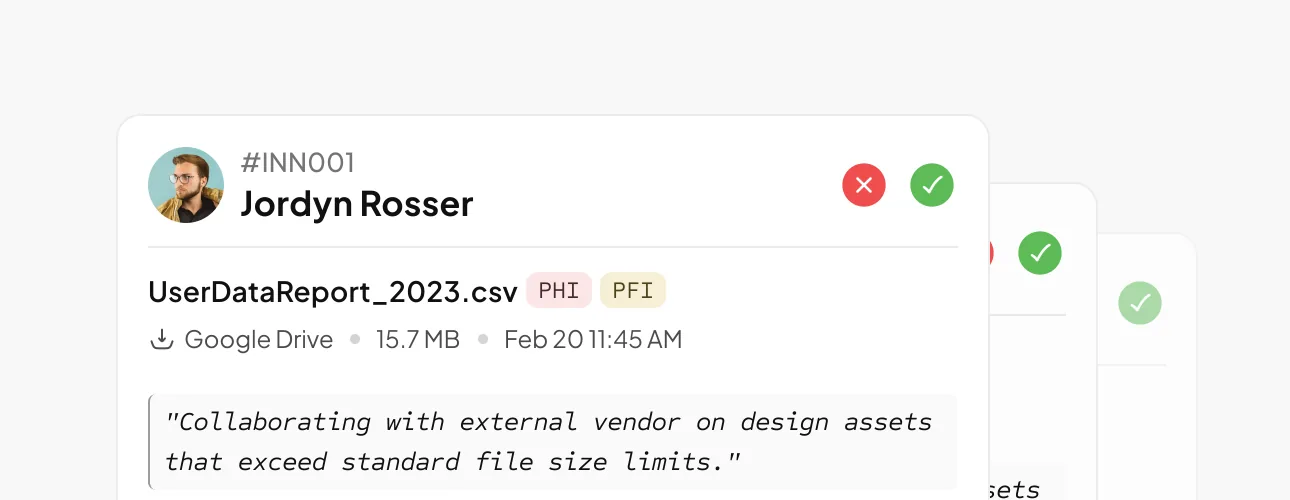
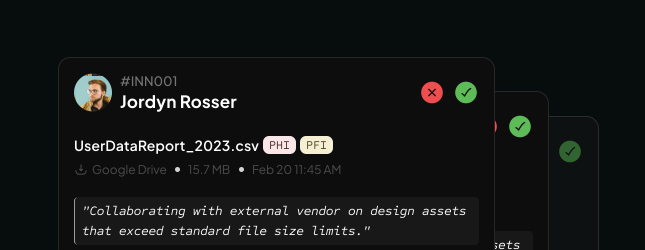
Admin Approval Workflow
Require approval for sensitive overrides. Admins can review requests with full context before allowing actions.
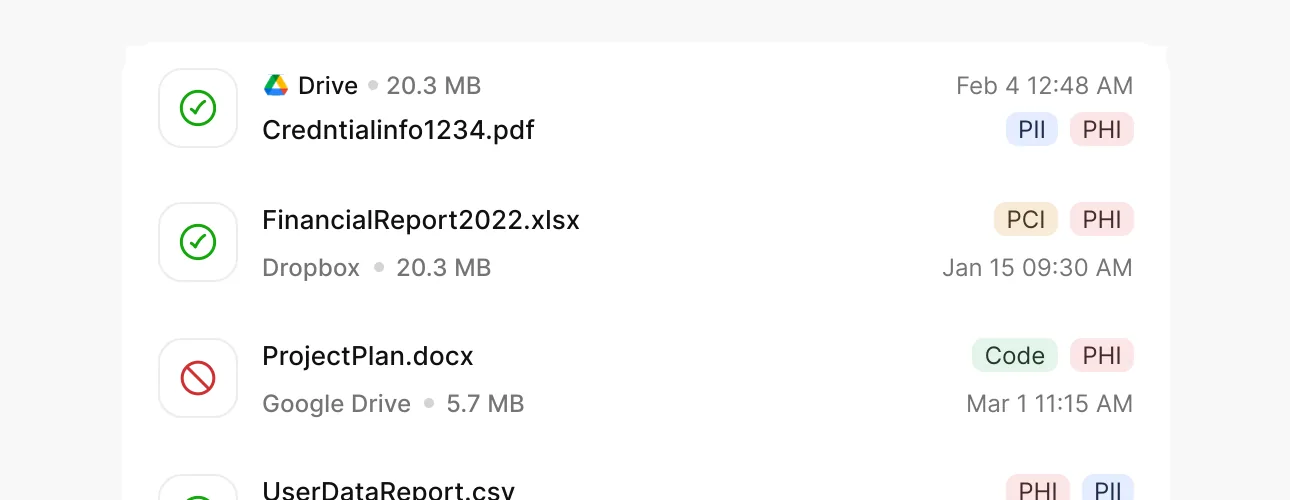
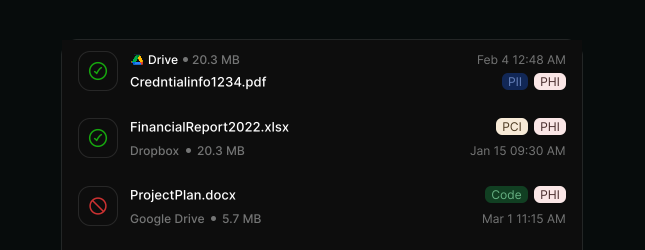
User Tray App for Overrides
Let users request overrides directly from their system with clear justification — quick, simple, and controlled.